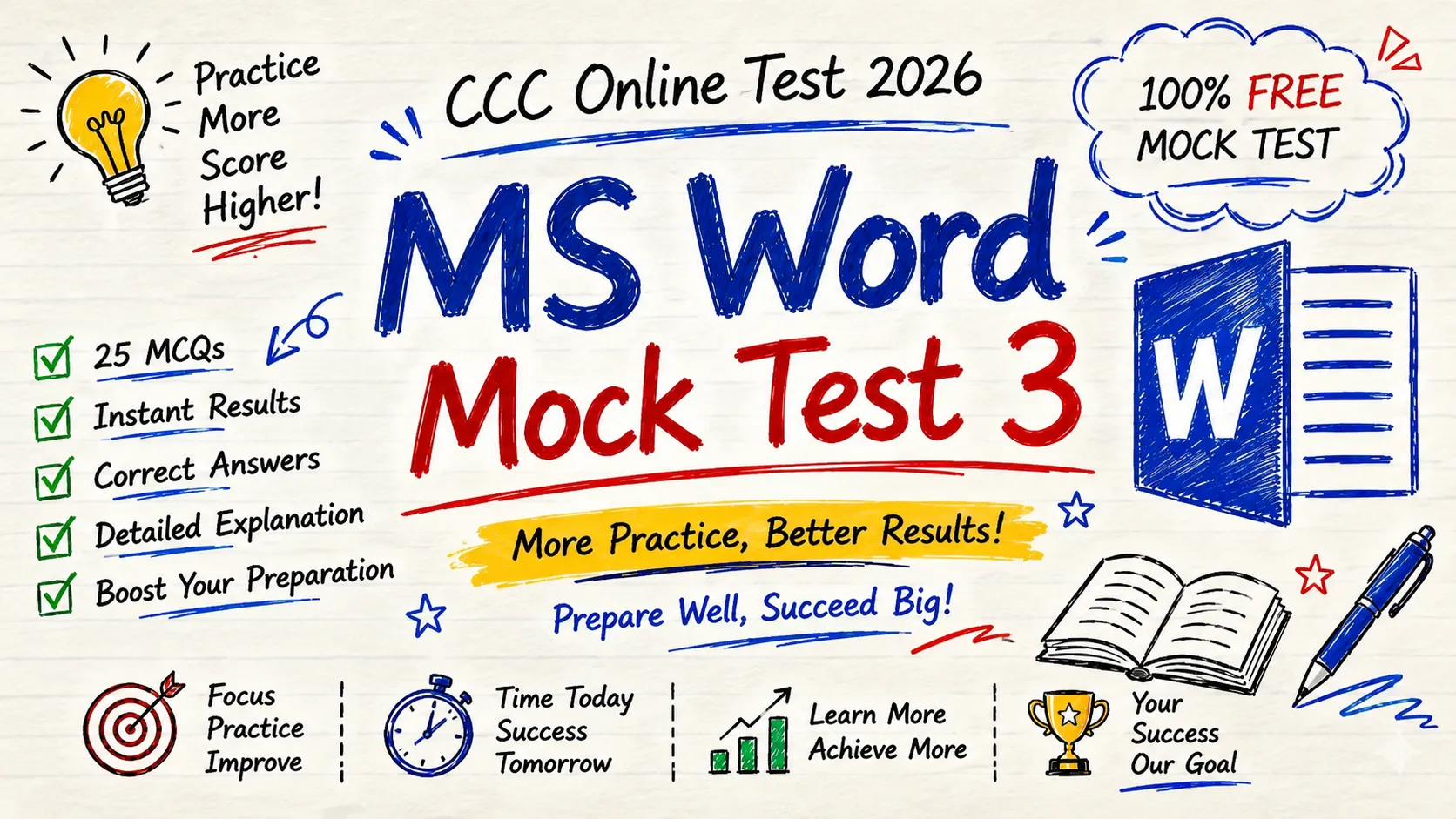
Prepare confidently for your CCC Online Test 2026 with MS Word Mock Test 3, a free practice test designed according to the latest NIELIT CCC syllabus. This mock test includes 25 carefully selected multiple-choice questions (MCQs) covering important MS Word topics such as text formatting, shortcut keys, page layout, tables, headers and footers, printing, spell check, and document management.
Whether you’re appearing for the CCC exam for the first time or revising before your final examination, this practice test helps you strengthen your understanding of Microsoft Word through real exam-style questions. Each question comes with the correct answer, allowing you to identify mistakes instantly and improve your overall accuracy and confidence.
Practice regularly with our free CCC mock tests to boost your exam performance and become familiar with the latest question patterns. Complete MS Word Mock Test 3, review your score, and continue practicing more tests to maximize your chances of scoring high in the NIELIT CCC Online Examination 2026.
Instructions:
- Total Questions: 25
- Each question carries 1 mark
- Choose the correct option (A, B, C, or D)
Q1. Which shortcut key is used to save a document in MS Word?
A) Ctrl + S
B) Ctrl + P
C) Ctrl + O
D) Ctrl + N
Answer: A) Ctrl + S
Q2. Which tab contains the Font group?
A) Insert
B) Home
C) Review
D) View
Answer: B) Home
Q3. Which shortcut key is used to copy selected text?
A) Ctrl + X
B) Ctrl + C
C) Ctrl + V
D) Ctrl + Z
Answer: B) Ctrl + C
Q4. Which alignment places text evenly on both left and right margins?
A) Left
B) Right
C) Center
D) Justify
Answer: D) Justify
Q5. Which feature checks spelling and grammar?
A) Mail Merge
B) Track Changes
C) Spelling & Grammar
D) WordArt
Answer: C) Spelling & Grammar
Q6. Which shortcut key makes selected text bold?
A) Ctrl + B
B) Ctrl + I
C) Ctrl + U
D) Ctrl + L
Answer: A) Ctrl + B
Q7. Which tab is used to insert pictures?
A) Home
B) Design
C) Insert
D) Review
Answer: C) Insert
Q8. What is the default extension of Word 2007 and later documents?
A) .doc
B) .txt
C) .docx
D) .pdf
Answer: C) .docx
Q9. Which key deletes the character to the right of the cursor?
A) Backspace
B) Delete
C) Esc
D) Shift
Answer: B) Delete
Q10. Which shortcut opens an existing document?
A) Ctrl + N
B) Ctrl + O
C) Ctrl + P
D) Ctrl + H
Answer: B) Ctrl + O
Q11. Which option is used to create numbered points?
A) Bullets
B) Numbering
C) Styles
D) Columns
Answer: B) Numbering
Q12. Which tab contains the Header & Footer option?
A) Home
B) Layout
C) Insert
D) Review
Answer: C) Insert
Q13. Which shortcut key is used to find text?
A) Ctrl + H
B) Ctrl + F
C) Ctrl + G
D) Ctrl + R
Answer: B) Ctrl + F
Q14. Which feature automatically moves text to the next line?
A) Wrap Text
B) Word Wrap
C) AutoCorrect
D) Indent
Answer: B) Word Wrap
Q15. Which option changes page orientation?
A) Margins
B) Orientation
C) Size
D) Columns
Answer: B) Orientation
Q16. Which shortcut key is used to print a document?
A) Ctrl + S
B) Ctrl + P
C) Ctrl + O
D) Ctrl + F
Answer: B) Ctrl + P
Q17. Which tab is used to create a table?
A) Home
B) Review
C) Insert
D) View
Answer: C) Insert
Q18. Which feature combines letters with a data source?
A) Hyperlink
B) Mail Merge
C) Bookmark
D) Track Changes
Answer: B) Mail Merge
Q19. Which shortcut key is used to undo the last action?
A) Ctrl + Y
B) Ctrl + U
C) Ctrl + Z
D) Ctrl + D
Answer: C) Ctrl + Z
Q20. Which view is best for editing documents?
A) Print Layout
B) Read Mode
C) Web Layout
D) Outline
Answer: A) Print Layout
Q21. Which shortcut key is used to paste copied text?
A) Ctrl + V
B) Ctrl + C
C) Ctrl + X
D) Ctrl + P
Answer: A) Ctrl + V
Q22. Which feature is used to add page numbers?
A) Footnote
B) Header & Footer
C) WordArt
D) SmartArt
Answer: B) Header & Footer
Q23. Which tab contains the Page Borders option?
A) Home
B) Insert
C) Design
D) Review
Answer: C) Design
Q24. Which shortcut key is used to replace text?
A) Ctrl + G
B) Ctrl + H
C) Ctrl + L
D) Ctrl + K
Answer: B) Ctrl + H
Q25. Which function key starts the Spelling & Grammar check?
A) F2
B) F5
C) F7
D) F12
Answer: C) F7