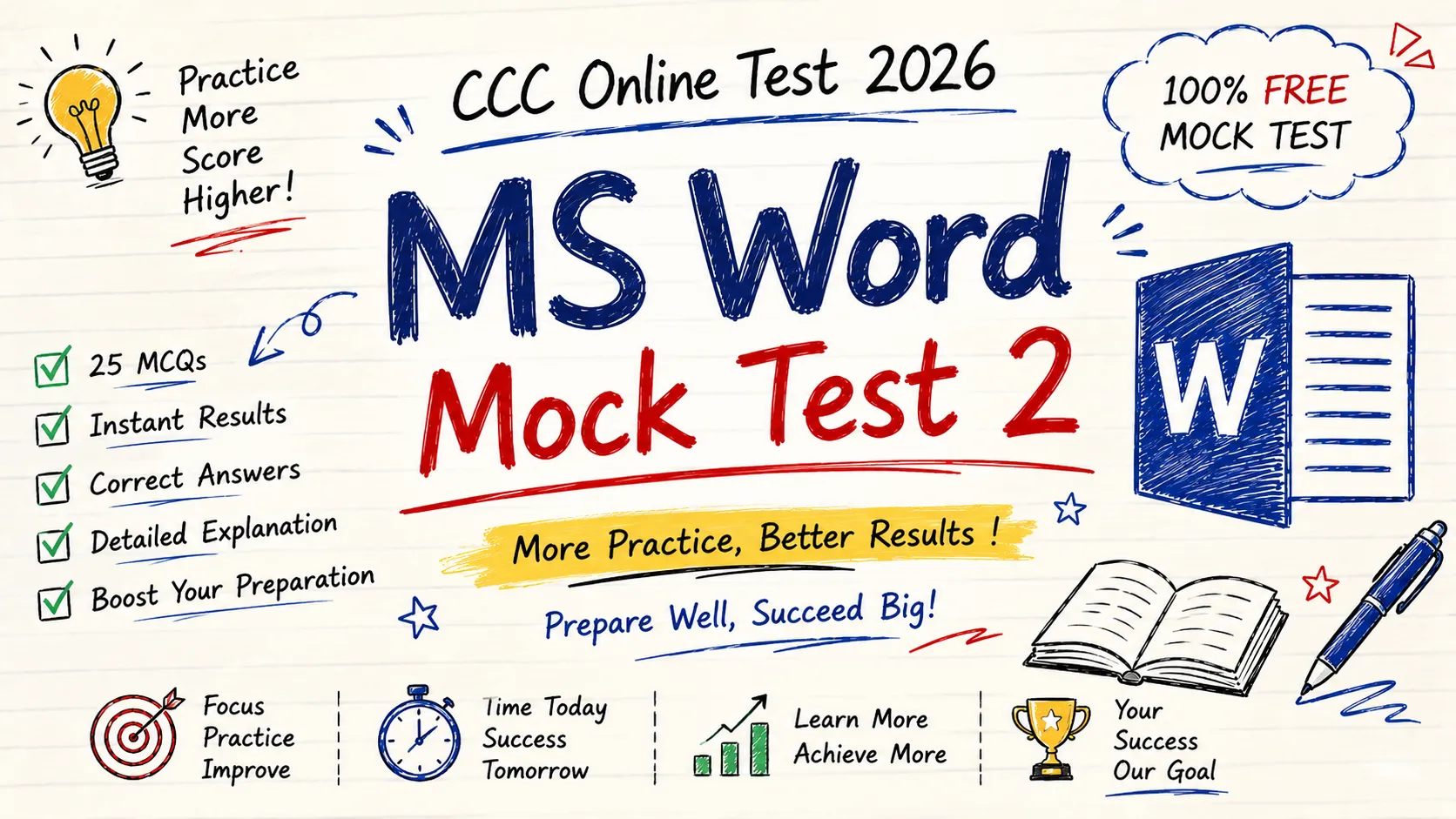
Welcome to CCC Online Test 2026 – MS Word Mock Test 2, designed to help you prepare for the NIELIT CCC (Course on Computer Concepts) examination. This free mock test includes 25 carefully selected multiple-choice questions (MCQs) based on the latest CCC syllabus. Whether you’re a beginner or revising before your exam, this practice test will help you strengthen your understanding of Microsoft Word.
This CCC MS Word Mock Test covers important topics such as document creation, text formatting, keyboard shortcuts, page layout, tables, headers and footers, printing, mail merge, spell check, and other essential MS Word features. Every question comes with the correct answer, allowing you to evaluate your performance and identify the topics that need more practice.
Regular practice with CCC Online Tests can significantly improve your speed, accuracy, and confidence for the actual NIELIT CCC exam. Complete all 25 questions, review your answers, and continue practicing more free mock tests on PracticeTestsHub to maximize your chances of passing the CCC exam on your first attempt.
1. Which menu is used to save a document with a different name?
A. Home
B. Insert
C. File → Save As ✅
D. Review
Answer: C
2. Which shortcut key is used to open an existing document?
A. Ctrl + N
B. Ctrl + O ✅
C. Ctrl + S
D. Ctrl + P
Answer: B
3. Which shortcut key is used to underline selected text?
A. Ctrl + B
B. Ctrl + U ✅
C. Ctrl + I
D. Ctrl + L
Answer: B
4. Which shortcut key is used to italicize text?
A. Ctrl + B
B. Ctrl + I ✅
C. Ctrl + U
D. Ctrl + K
Answer: B
5. Which tab is used to create a header and footer?
A. Home
B. Insert ✅
C. Review
D. View
Answer: B
6. Which feature counts the total number of words?
A. AutoCorrect
B. Find
C. Word Count ✅
D. Replace
Answer: C
7. Which shortcut key opens the Find dialog?
A. Ctrl + H
B. Ctrl + F ✅
C. Ctrl + G
D. Ctrl + D
Answer: B
8. Which option is used to change page margins?
A. Insert
B. Layout ✅
C. View
D. Home
Answer: B
9. Which key starts a new paragraph?
A. Tab
B. Enter ✅
C. Shift
D. Esc
Answer: B
10. Which feature automatically corrects typing mistakes?
A. Spell Check
B. AutoCorrect ✅
C. Mail Merge
D. Header
Answer: B
11. Which tab is used to check spelling and grammar?
A. Home
B. Insert
C. Review ✅
D. View
Answer: C
12. Which alignment places text evenly on both left and right margins?
A. Left
B. Center
C. Right
D. Justify ✅
Answer: D
13. Which shortcut key selects the entire document?
A. Ctrl + C
B. Ctrl + X
C. Ctrl + A ✅
D. Ctrl + Z
Answer: C
14. Which option inserts page numbers?
A. Review
B. Insert ✅
C. View
D. Home
Answer: B
15. Which shortcut key is used for Print?
A. Ctrl + O
B. Ctrl + N
C. Ctrl + P ✅
D. Ctrl + D
Answer: C
16. Which extension is used for Word Template files?
A. .docx
B. .dotx ✅
C. .txt
D. .pdf
Answer: B
17. Which tab contains the Table option?
A. Home
B. Insert ✅
C. Review
D. References
Answer: B
18. Which feature is used to send personalized letters?
A. AutoCorrect
B. Track Changes
C. Mail Merge ✅
D. SmartArt
Answer: C
19. Which shortcut key is used to copy formatting?
A. Ctrl + Shift + C
B. Ctrl + Shift + C ✅
C. Ctrl + Alt + C
D. Ctrl + F
Answer: B
20. Which feature allows multiple people to review a document?
A. AutoSave
B. Track Changes ✅
C. Hyperlink
D. WordArt
Answer: B
21. Which view is best for reading documents?
A. Draft View
B. Web Layout
C. Read Mode ✅
D. Outline View
Answer: C
22. Which option is used to insert symbols?
A. Home
B. Insert ✅
C. Review
D. View
Answer: B
23. Which shortcut key is used for Replace?
A. Ctrl + F
B. Ctrl + H ✅
C. Ctrl + G
D. Ctrl + U
Answer: B
24. Which company develops Microsoft Office?
A. Google
B. Apple
C. Microsoft ✅
D. Oracle
Answer: C
25. Which application is NOT a part of Microsoft Office?
A. Word
B. Excel
C. PowerPoint
D. Photoshop ✅
Answer: D